



Payment Kiosk

POS System
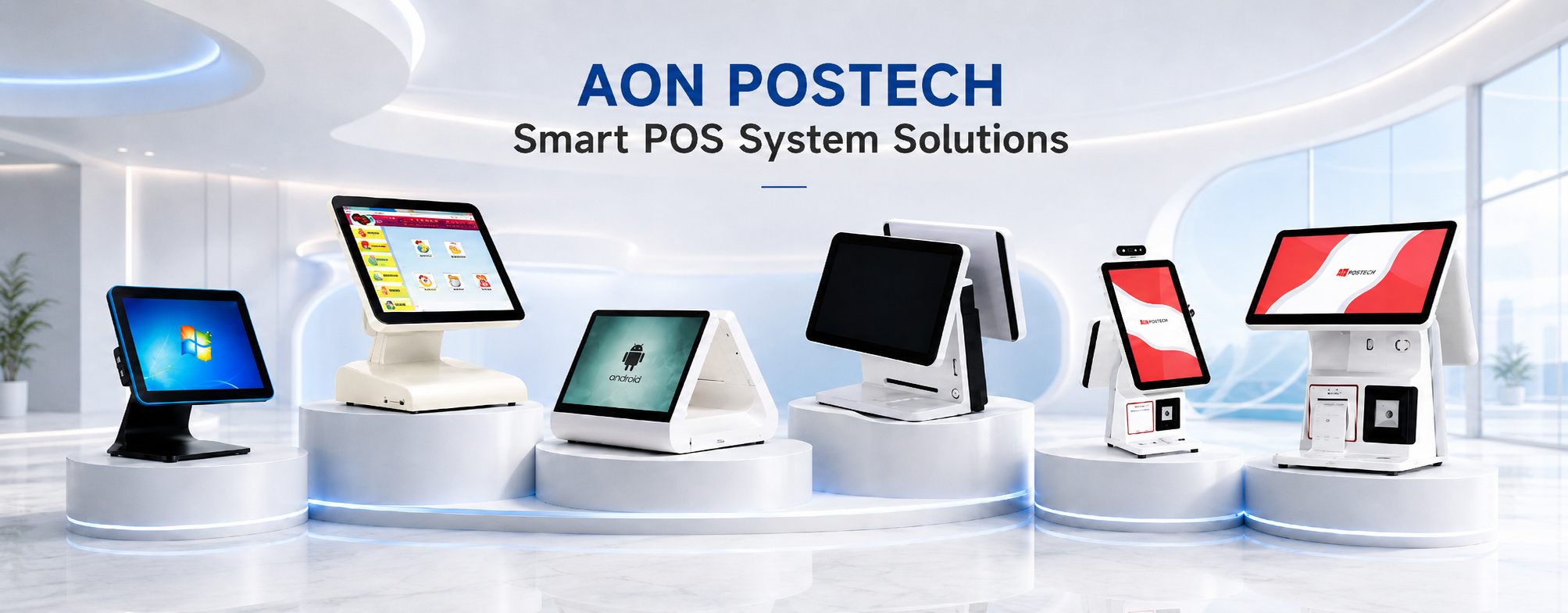
AONPOS Self Service Payment Kiosk & POS System
Elevate your operational efficiency with AONPOS’s integrated POS and Kiosk hardware solutions. As a specialized custom hardware manufacturer, we provide a versatile ecosystem of Point of Sale (POS) systems and self-service terminals designed for 24/7 commercial reliability. Our hardware features high-responsiveness PCAP touchscreens and industrial fanless cooling, ensuring peak performance in demanding retail, hospitality, and healthcare settings. Whether you are deploying self-ordering kiosks to reduce wait times or dual-screen POS terminals for enhanced customer engagement, our solutions support both Android and Windows architectures for seamless software integration. Benefit from our full OEM/ODM capabilities to create scalable, branded interactive payment systems that drive ROI and modernize your service delivery.


AP08 AonPos Popular OEM 15inch Touch Screen Cash Register All-In-One Pos Device Pos Machine for Resell
Choose your option


AP06 Aonpos Desktop Billing System 15 Inch Capacitive Touch Monitor P0S Cashier for Supermarket Cheap Payment Full Set of Retail
Choose your option


AP04 Aonpos Restaurant Touch Screen Billing Machine Minimart POS ATM Offline POS Cashier Register
Choose your option


AP03 Aonpos Factory Price OEM Point of Sale Cash Register Dual Screen All in One Payment Systems 15 Inch All in One POS for Retail
Choose your option


AP02 AonPos Desktop Pos Terminal Windows Pos Machine 15inch Dual Screen All in One Pos Systems
Choose your option


APK12 AonPos 21.5 Inch Self Payment Service Kiosk Automatic Restaurant Hotel Store Ordering Kiosk Android All in One Checkout Machine
Choose your option
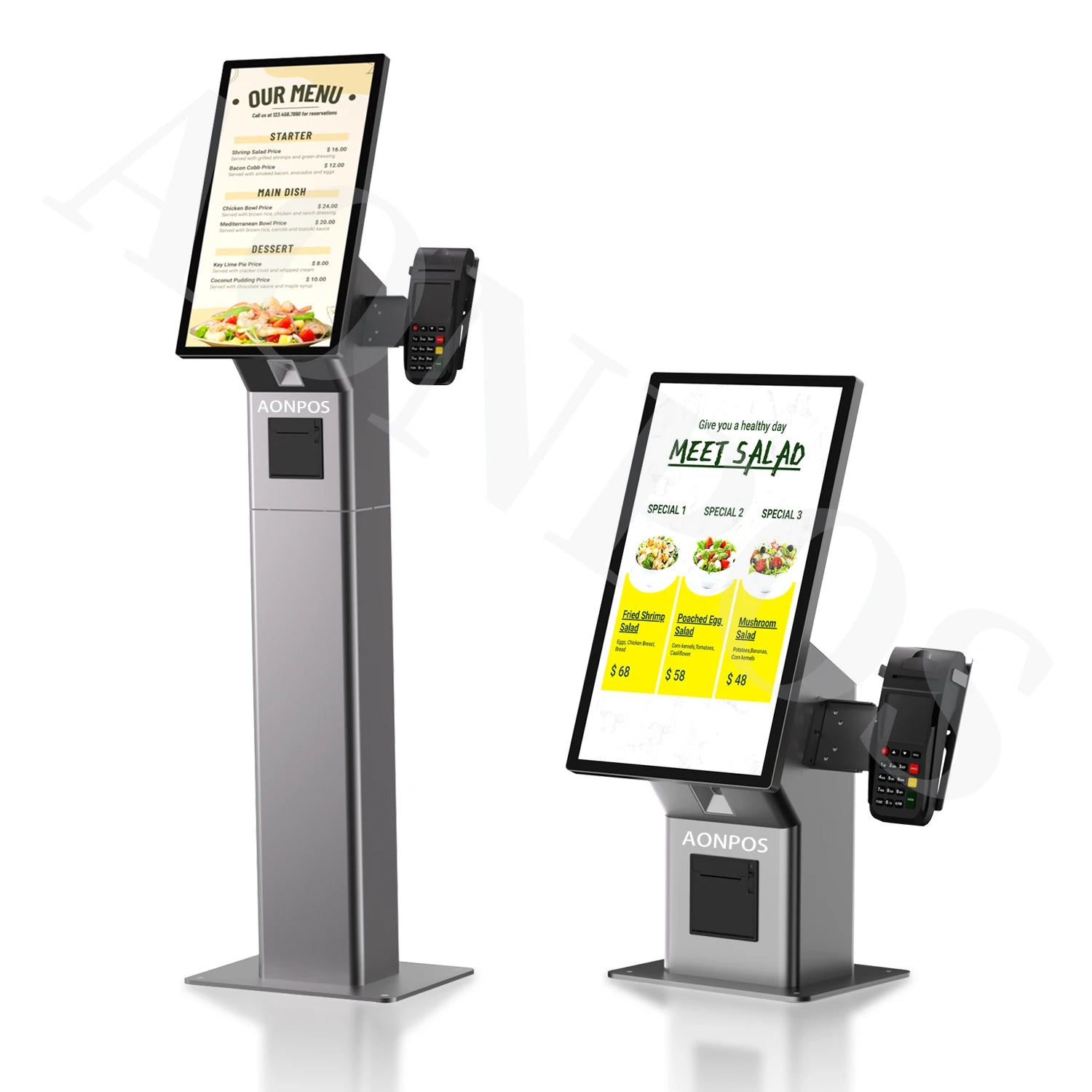

APK10 Aonpos Table Top Donation Payment Kiosk QR Type Payment Speaker Touch Screen Dessert Self Service Payment Kiosk
Choose your option


APK06 Aonpos Self Ordering Kiosk Interactive Touch Screen Macaron Cake Food Self Checkout Payment Kiosk for Malls
Choose your option


APK03 Aonpos Touch Screen Outdoor Self Service Ordering Machine Payment Order Kiosk Automatic All in One Order Kiosk for Restaurant
Choose your option


APK04 Aonpos Parking Payment Kiosk Hot Sale High Quality Windows Android Self Service Kiosk
Choose your option


APK07 Aonpos Self Service Ordering Kiosk Multiple Payment Methods High-performance Processing Airport Check-in Self-service Kiosk
Choose your option
FAQs
What is self service payment kiosk used for?
What is self service payment kiosk used for?
A: A self-service payment kiosk allows customers to complete tasks such as ordering, checkout, bill payment, ticket purchase, visitor check-in, or service registration without relying fullyonstaff assistance. It is commonly used in restaurants,retail stores,hotels,hospitals, government service centers, ticketing locations,andparking facilities.
What is the difference between a payment kiosk and a regular self-service kiosk?
What is the difference between a payment kiosk and a regular self-service kiosk?
A:A regular self-service kiosk may only provide information, check-in, ordering, or menu browsing. A payment kiosk is designed to support a payment workflow, usually with card reader slot, NFC payment module, QR code scanner, receipt printer, or other payment-related hardware. If your project requires customers to pay at the machine, payment-ready kiosk is usually the better choice.
Can your payment kiosk be used for restaurant self-ordering?
Can your payment kiosk be used for restaurant self-ordering?
A: Yes. A restaurant self-ordering kiosk can allow customers to browse a digital menu, customize items, place an order, pay by card or QR code, and print a receipt or order ticket. It is especially useful for quick-service restaurants, fast food chains, coffee shops, food courts, and high-traffic dining locations.
Can I use a self-service kiosk for retail self-checkout?
Can I use a self-service kiosk for retail self-checkout?
A: Yes. A retail self-checkout kiosk can be configured with a touch screen display, barcode scanner, payment terminal holder, receipt printer, and optional customer-facing display. It is suitable for convenience stores, specialty retail stores, small supermarkets, and unmanned retailcheckoutareas
Can your kiosk support both Android and Windows?
Can your kiosk support both Android and Windows?
A: Many AONPOS kiosk models can be configured with Android or Windows hardware platforms, depending on the model and project requirements. Android kiosks are often used for lightweight ordering, check-in, and information work flows, while Windows kiosks may be preferred for more complex POS software, enterprise applications, or existing Windows-based systems.
Can I add receipt printer to the kiosk?
Can I add receipt printer to the kiosk?
A: Yes.Many self-servicekioskmodels can support abuilt-in or optionalreceiptprinter. Aprinteriscommonlyused forrestaurant order tickets,payment receipts, queue numbers, admission tickets, parking receipts, and service confirmation slips. Before ordering, we recommend confirming the paper width,printerposition,and softwarecompatibility.
Can I add a barcode scanner or QR code scanner to the kiosk?
Can I add a barcode scanner or QR code scanner to the kiosk?
A: Yes. A barcode scanner or QR code scanner can be added to many kiosk projects. It is useful for retail self-checkout, ticket validation, visitor check-in, QR payment, loyalty code scanning, coupon scanning, and order pickup workflows. The scanner type should be selected based on whether you need to scan paper barcodes, product labels, mobile QR codes, or tickets.